Vanilla
The official Mojang server. No plugins or mods.
 RadiantMC
Download coming soon
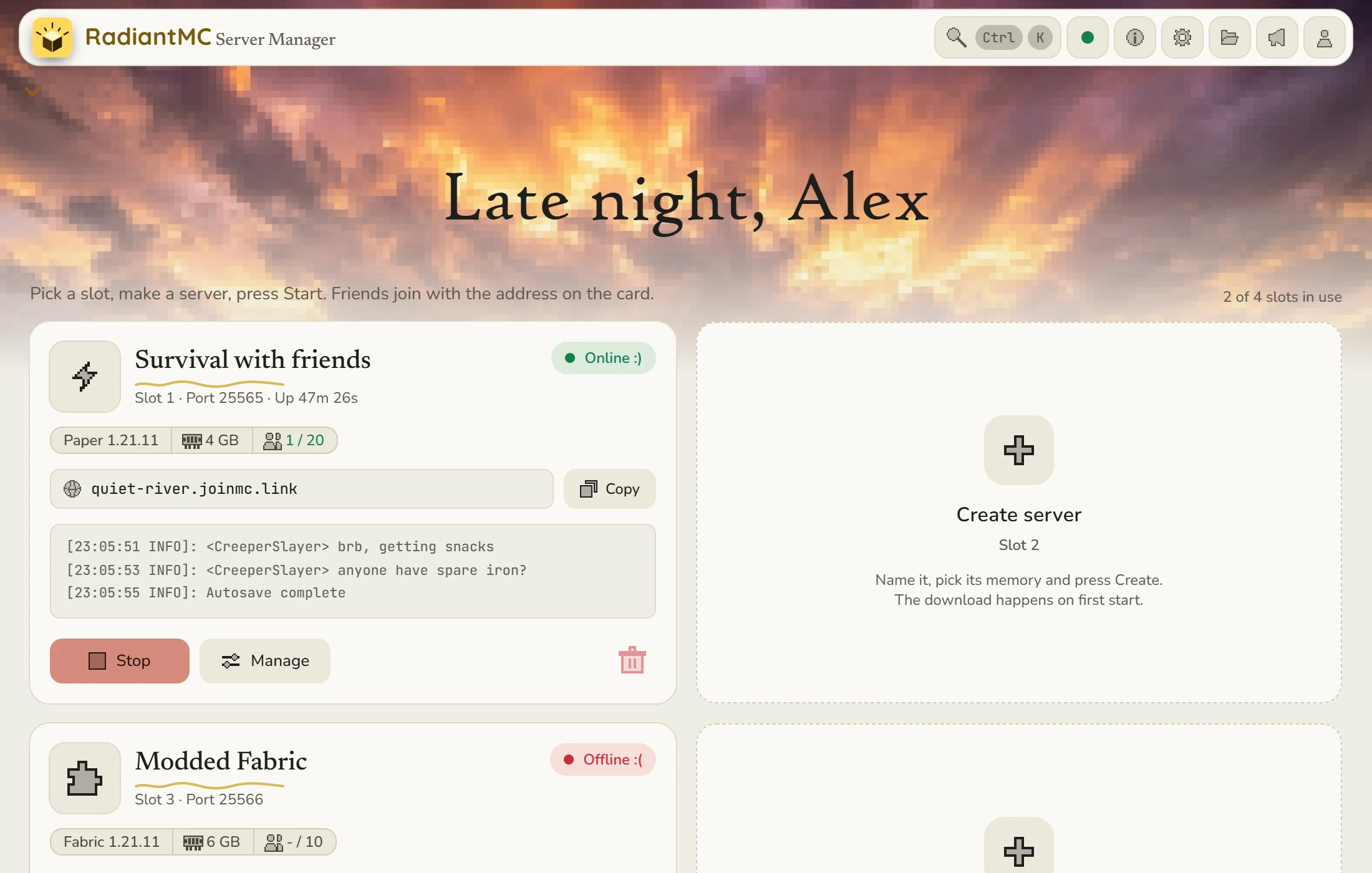
RadiantMC makes and runs Minecraft servers at home. One click to start, and your friends join from anywhere with a single address.
Joining
One address, through a playit.gg tunnel. You don't touch your router and you don't forward a single port.
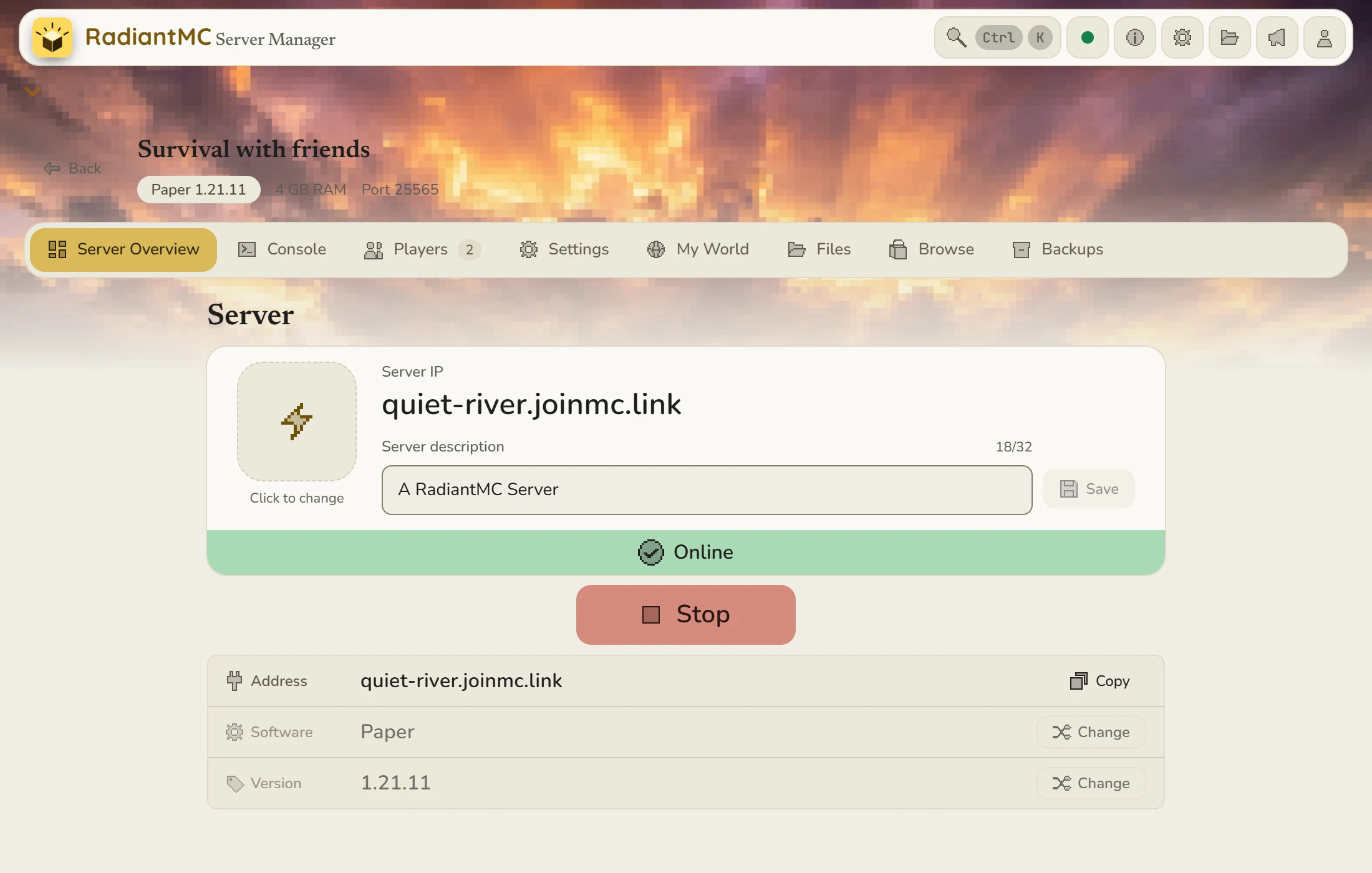
The things you'd otherwise do by hand, in one window.
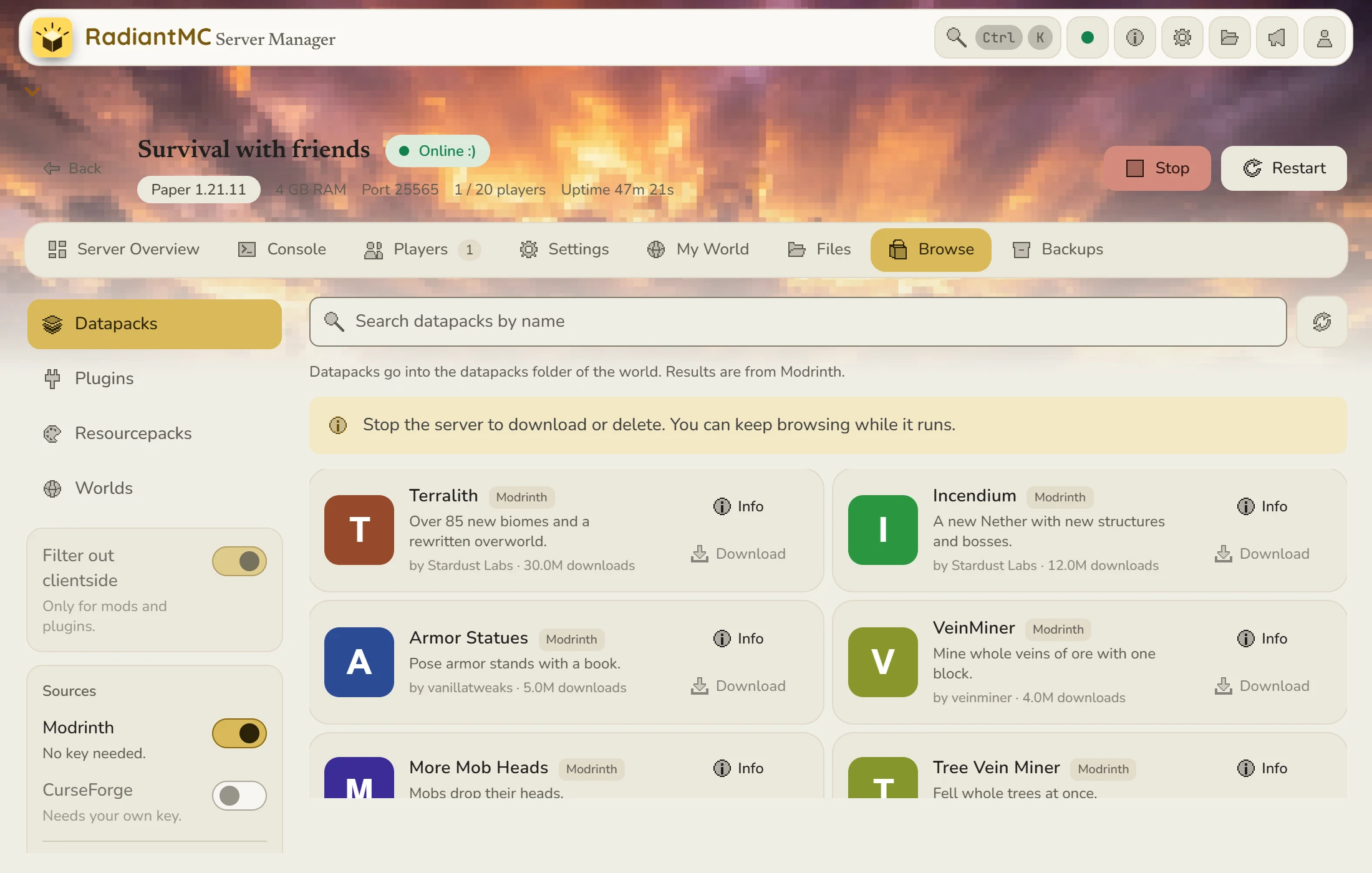
Browse
Search for mods, plugins, datapacks, resource packs and worlds, read about them, and add them to a server from inside RadiantMC. Modrinth works right away. CurseForge works once you add your own key.
Mods
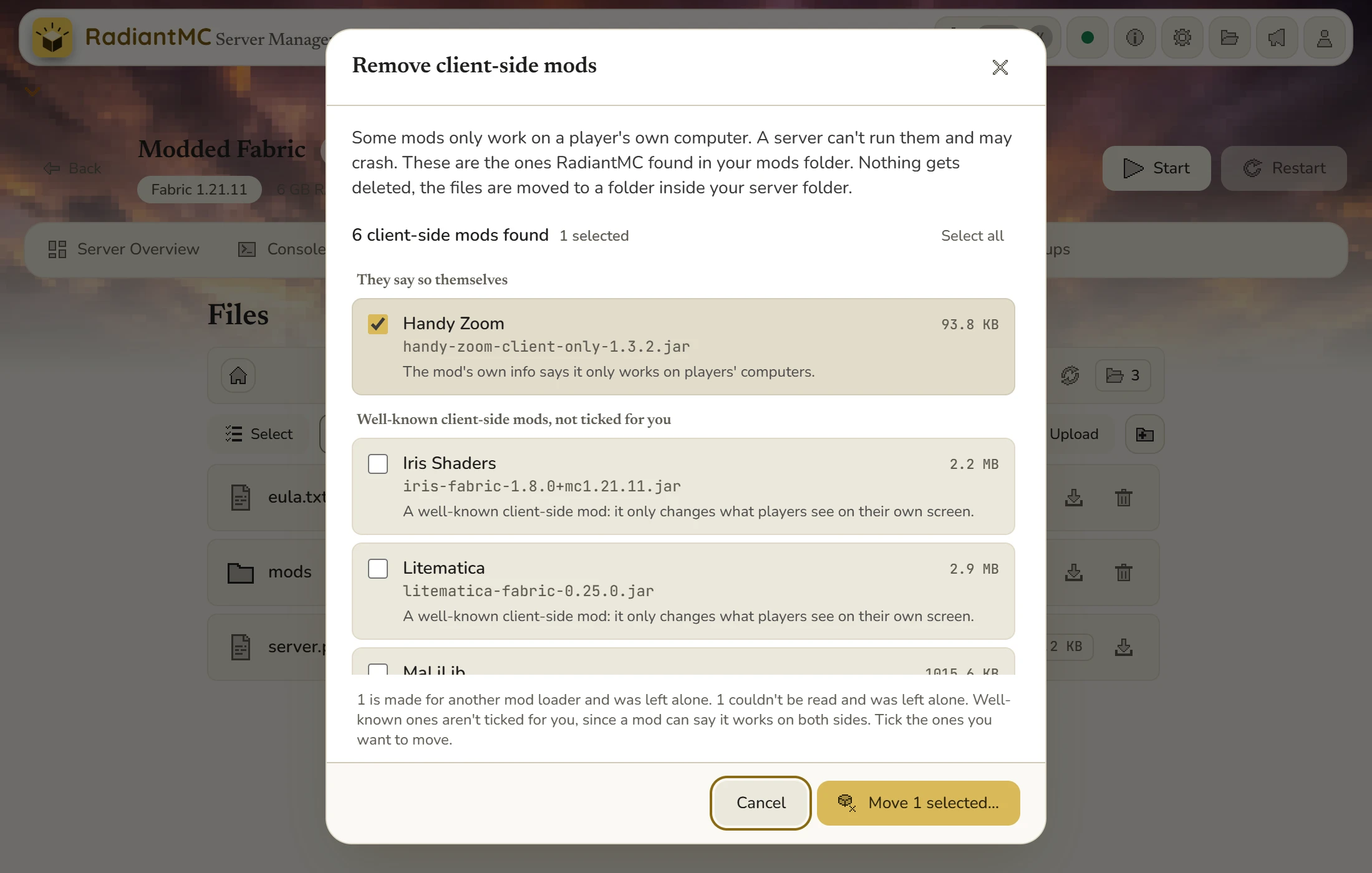
Some mods only work on a player's own computer, and a server can crash on them. RadiantMC finds them in your mods folder and moves them aside. Nothing gets deleted. It works on Fabric, Forge and NeoForge servers.
Console
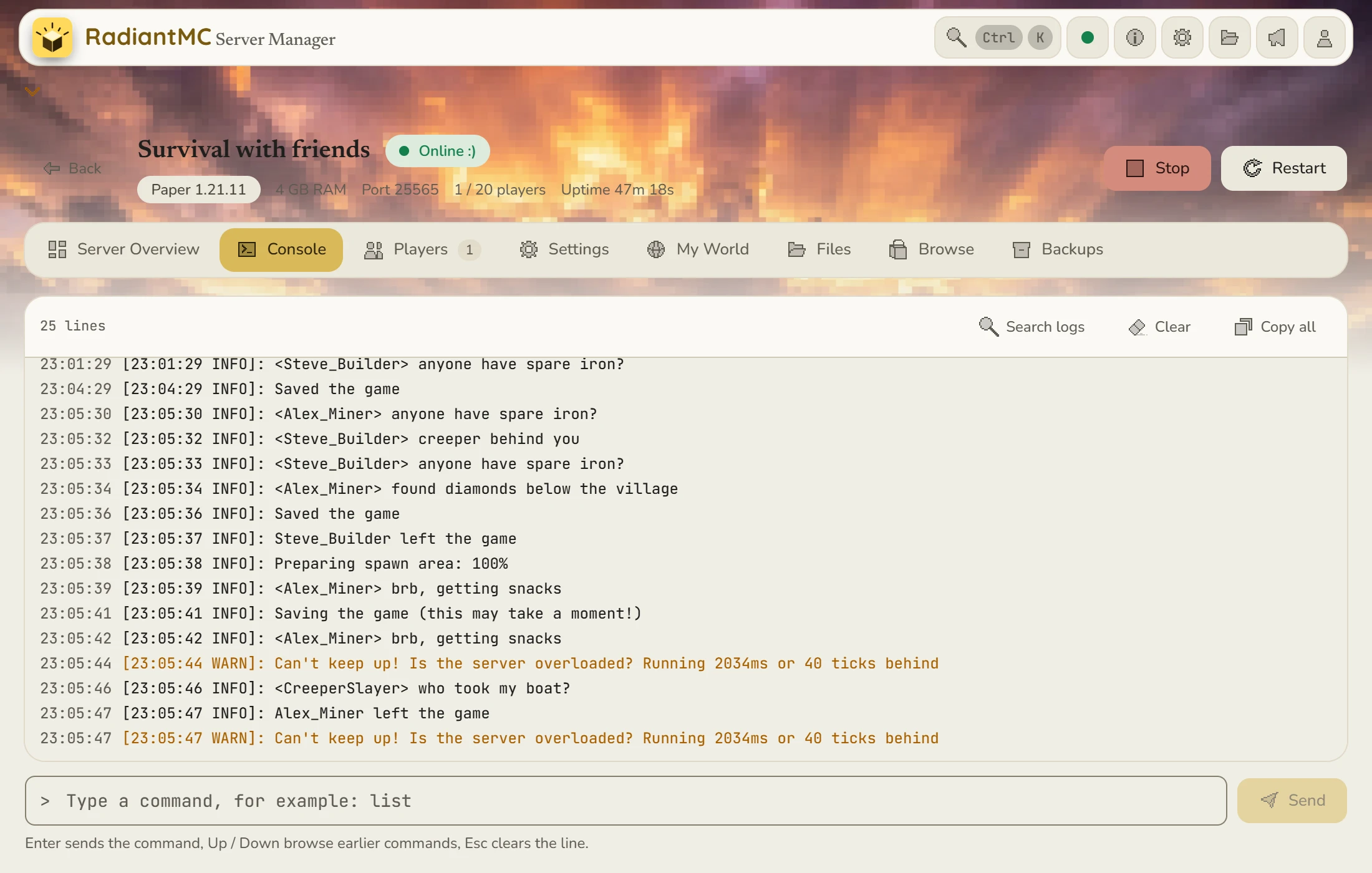
Watch the server run, type commands, and search through the old logs when you need to find something. When a server stops by itself, the crash helper tells you what probably went wrong and what to try first.
Backups
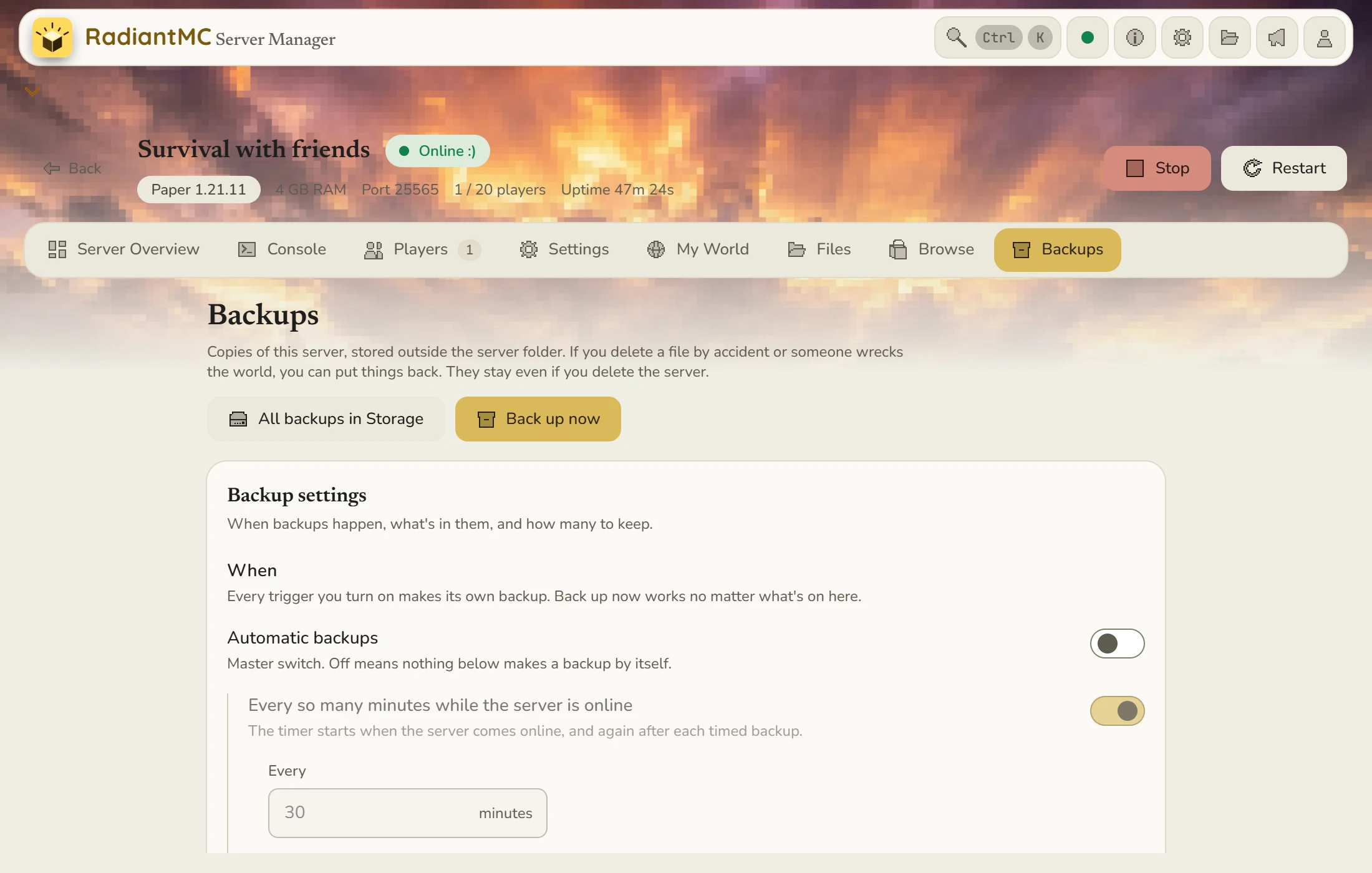
Copies of your server are stored outside the server folder, so if someone wrecks the world you can put it back. They stay even if you delete the server.
Pick one when you make a server. Vanilla comes with the app, and RadiantMC downloads the others when you ask.
The official Mojang server. No plugins or mods.
Try the newest experimental Minecraft builds.
A lightweight mod loader for Fabric mods.
Fast and plugin friendly. Best for most groups.
The classic mod loader with a huge mod library.
The modern continuation of Forge.
Request more: radiantmc.app@gmail.com
Each one gets its own slot, memory and port. Start and stop them from the main menu.
Pick your server software in one click, browse and add mods without leaving the app, and let RadiantMC move the client-only mods that can crash a server out of the way. Modding shouldn't be the hard part.
See who's online with their real Minecraft face. Kick, ban, whitelist and make operators from one list, and look through the server's files without opening Explorer.
Auto-close stops an empty server after a time you pick. Auto-start boots it when a friend presses Join, and you choose who can wake it. Both are off until you switch them on.
A Windows notification when a server comes online or crashes, when RadiantMC isn't in front. You can turn it off.
RadiantMC is in the middle of development, and a lot more is on the way. Questions or ideas? radiantmc.app@gmail.com
Also 6 supported languages. The translations are machine-made and you can help us perfect them.
Creating and hosting servers is free. Some optional extras may be paid later.
Not yet. There's no installer today. The Windows download is gonna be on this page when I'm satisfied with my app.
To be honest, the first release is probably going to be for Windows. But I cannot skip those, so eventually.
Your Pi would try its best, bless it. But it's the size of a credit card, and one creeper explosion would make it go kablow. (Also, RadiantMC is Windows only for now.)
Not yet. It'll 100% be added eventually, either over updates or at launch.
No. The server runs on your own PC, so there's nothing to rent.
Aternos is free, but you might wait in a queue to start, the RAM is around 2.4 GB on Vanilla, and the server goes to sleep when nobody's online. Realms costs money and can't run mods or plugins. RadiantMC runs on your own PC, so there's no queue, you get as much RAM as your PC can spare, it only sleeps if you turn auto-close on, and mods and plugins work. The catch is that your PC has to be on.
Yes. While friends play, your PC has to be on and awake. If you close the RadiantMC window, the servers keep running in the system tray by the clock. Sleep or shutting down stops them.
No. RadiantMC downloads the Java your Minecraft version needs, once. That first start needs an internet connection.
2 to 4 GB is plenty for a few friends on Paper. The slider stops at 75% of your PC's memory, so Windows and your other programs keep some.
Yes, up to four, each with its own port and memory. Keep the memory of the ones running together well below your PC's RAM.
Yes. Stop the server and upload the world as a .zip. RadiantMC checks it first, and it keeps your old world unless you say otherwise.
Yes. Back up by hand, on a timer, when the server closes and at a few other moments you choose. Backups are kept outside the server folder, so they stay even if you delete the server, and you can restore one when something goes wrong.
They need Minecraft Java Edition, the same version as your server, and your address. That's it.
No. The playit.gg tunnel takes care of that, so there's nothing to forward. Thank you, playit team!
Joining from outside your home network goes through playit.gg's tunnels, so it depends on their service. More questions about tunneling? (contact)
When there is one, the download button on this page turns on.
Almost there.
Check your inbox and click the link in our email to confirm. Nothing after a few minutes? Look in spam.